Outputs land on your Mac
Generations save into your library and projects. Not a tab you forget, not a download hunt later.
 MakeJam
The Mac app
Generate images, video and music. Run local models on your Mac, or reach cloud providers with your own keys. Every file stays on your Mac.
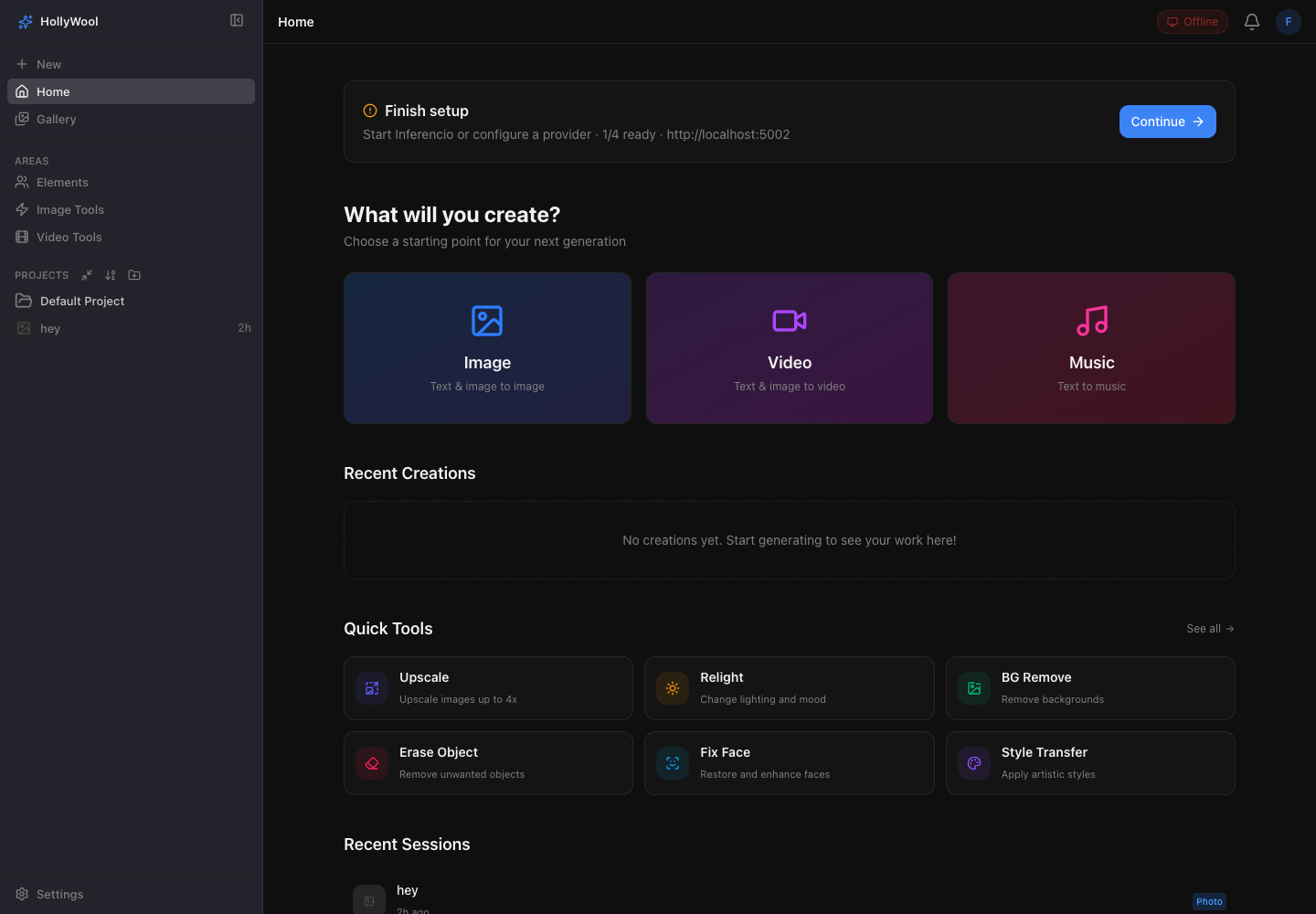
What it does
Pick a mode. Type a prompt. Hit generate. Local when you want privacy. Cloud when you want range. The files stay on your Mac.
Generations save into your library and projects. Not a tab you forget, not a download hunt later.
Local runtimes on this machine. Inferencio GPU workers on your network. Cloud APIs when the job needs range.
Run a still on fal.ai, relight with another provider, upscale elsewhere. Same prompt bar, same assets, no re-upload circus.
Upscale, erase, outpaint, crop and trim stay one click away from any frame. Provider websites stop at download.
Named rooms for clients, campaigns and experiments. Each project keeps its image, video and music history side by side.
Filter by media, provider, or local versus cloud. Every asset keeps its prompt, model, seed and references.
Dead simple UI
Five ways to start. The prompt bar stays the same.
Local models when you want privacy. Cloud when you want range. Remote jobs use your own provider accounts, and the outputs stay on your Mac.